Organization
Describe your organization so you can see impacts per entity.
On Organization, you list your legal entities and sites and arrange them in a hierarchy. Assign activities to entities, and the Impact dashboard shows impacts per entity.
Entities
The Entities tab lists your organization entities: group companies, subsidiaries, joint ventures, and sites. Each entity has a unique name and can carry a type, country, location, sector, revenue, and number of employees. See Spreadsheet template for every column.
Activities refer to an entity by its name in the Entity name column. Rename an entity, and its activities follow.
Example: The activity "Wheat flour" belongs to the entity "Lahti bakery plant", which sits under "Bakery division" and the group company "Aamu Foods Oy".
Hierarchy
The Hierarchy tab shows your entities as a tree, from the group company at the top to its subsidiaries and sites.
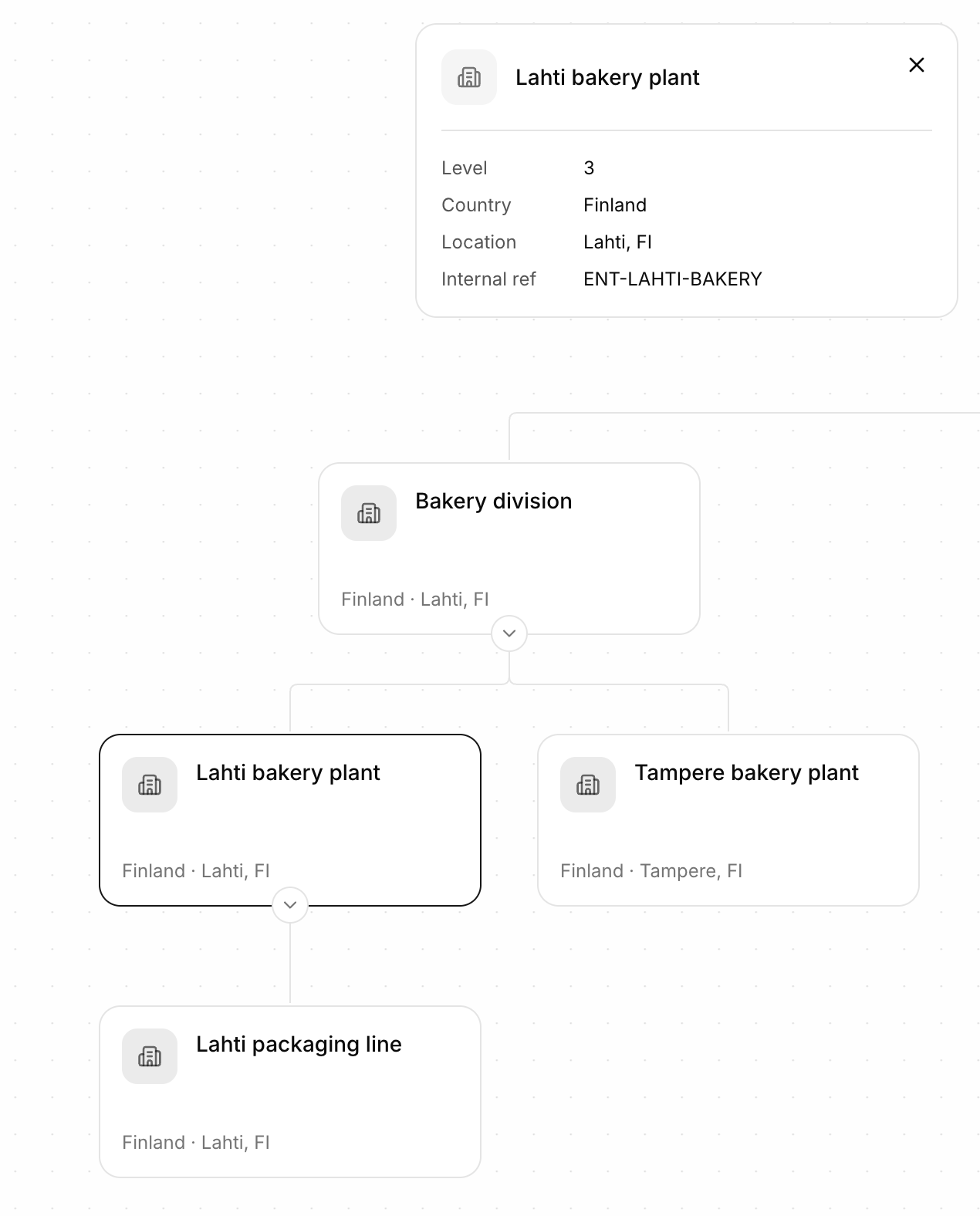
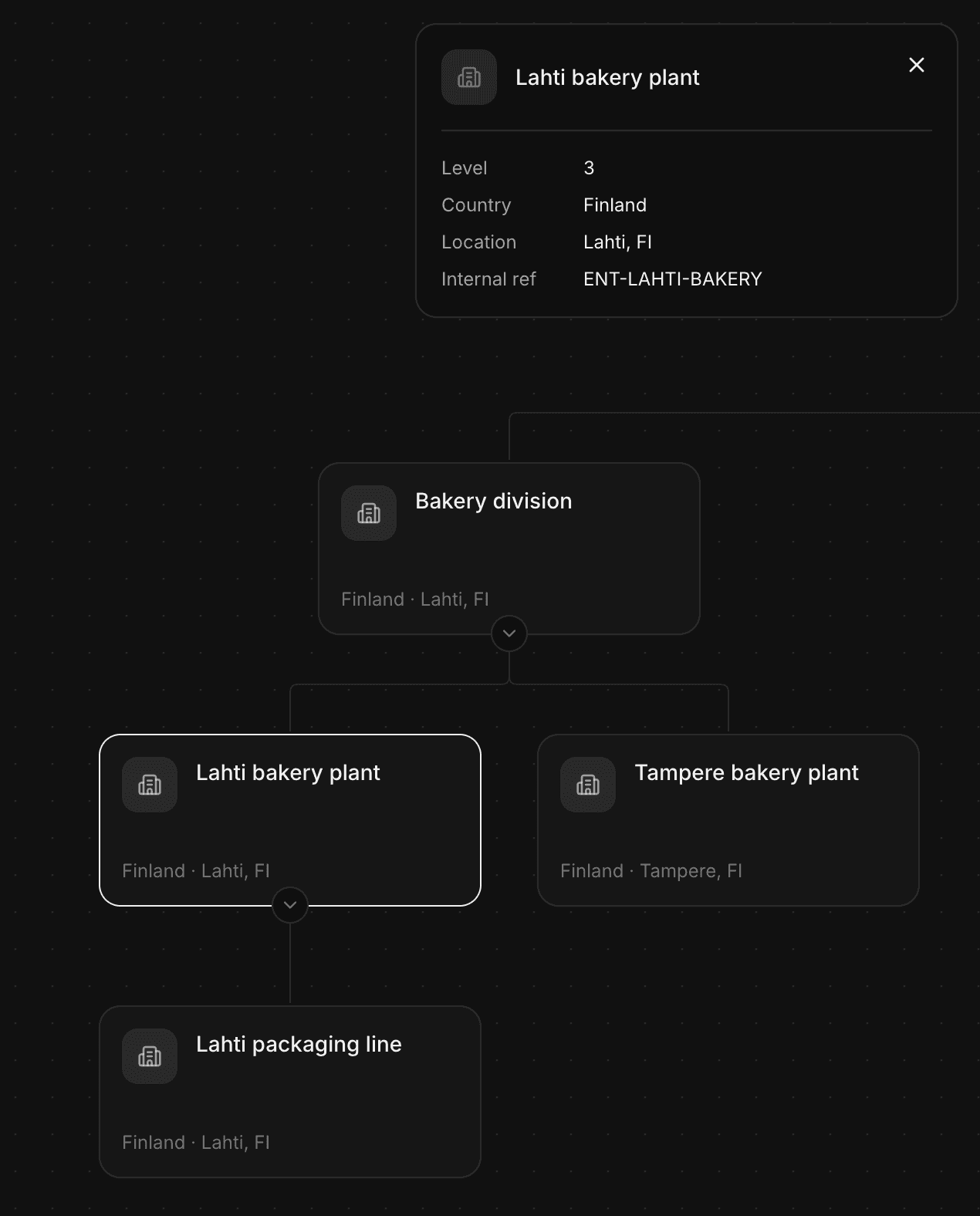
Each box is an entity with its type and location. Select one to see its details.
To move an entity, and its children with it, drag it onto its new parent entity. Entities without a place in the tree are listed under Not in hierarchy, from where you drag them into the tree.
In a spreadsheet, the hierarchy is a sheet with one row per path from the top. See Spreadsheet template.
Fix references
An activity that names an entity that doesn't exist gets the issue "Entity not in Organization entities". In the Issues tab, choose Add as entity to create it, or fix the name. See Issues.